Article summary: A Thunderbolt 4 / USB4 external GPU dock lets a thin-and-light laptop borrow the muscle of a desktop-class graphics card, turning it into a capable local-AI workstation without a separate tower. Because local inference keeps the model resident in the graphics card's own VRAM, a 40Gbps Thunderbolt link comfortably carries orchestration, telemetry, and document queries while the heavy compute stays on the card. Pair that with a dedicated monitor for your AI stack and you get a private, subscription-free command center for local LLMs: agents you can watch, retrieval you can trust, and model telemetry you can tune—all on hardware that stays on your desk and inside your network.
For years, the dual-monitor setup was the universal badge of a serious workstation. One screen for the work itself, another for the stream of email, chat, and notifications. It was a clean division of labor, and it worked.
Then local LLMs went mainstream, and two screens started to feel like working through a periscope. If you're running a model locally—something lightweight through LM Studio, or a full autonomous agent stack—you've probably hit the same snag. Your AI lives in a browser tab, a minimized terminal, or a chat window buried three Alt-Tabs deep. It's technically there, but it isn't present. And an AI you have to go hunting for is an AI that isn't doing its job.
There's a better way to picture your desk: as a compute hub, where a dedicated screen is the home base for an AI stack that has to be visible to be useful—and where a discrete GPU, borrowed from an external dock, supplies the horsepower a laptop alone can't.
The intelligence bottleneck: a quick self-audit
Before any hardware, run this diagnostic. Call it the 10x rule of cognitive friction: count how many times in an hour you Alt-Tab away from your main work window just to check a running prompt, glance at an agent's progress, or confirm a query.
If that number lives above ten, you've hit the intelligence bottleneck—the point where your workflow is slower than your AI, not because the model is sluggish, but because you can't see it. Every window switch drains a little mental bandwidth, and the tax adds up to lost minutes and fractured focus.
The fix isn't a software tweak; it's two things—presence and power:
• Presence. A dedicated display so the stack is always in view.
• Power. A discrete GPU your laptop can actually reach. Modern thin laptops have fast CPUs but little or no dedicated graphics memory, and local models are hungry for VRAM. An external GPU dock closes that gap.
What actually lives on the AI dashboard
Don't think of the dedicated screen as just a bigger home for a chatbot. Treat it as a multi-panel command center for everything your local stack is doing at once. Three pillars make it worth the real estate:
1. Local RAG and secure document querying. Tools that let you query private files—PDFs, spreadsheets, meeting transcripts—without sending a byte to an outside server. On a dedicated screen, pulling an answer becomes as natural as glancing at your inbox: source material on the main display, the knowledge assistant locked to the side, cross-referencing in real time.
2. Parallel agent monitoring. Autonomous agents aren't chatbots; they're workers that write code, run tests, and browse in the background. Minimized, you have no idea whether one is stuck in a loop or waiting on your approval. A dedicated display lets you catch problems early without breaking concentration on your primary canvas.
3. Orchestration and model telemetry. For the power user, the third screen is a flight deck. Watching LM Studio or Ollama shows you token speed and VRAM usage, turning a mysterious black box into a tunable tool—so you can swap models or adjust parameters on the fly without ever closing your work.
Why Thunderbolt 4 is the right pipe for local AI
It's tempting to assume more bandwidth is always the answer. For local inference, the math is more interesting than that.
When you run a model locally, the weights load into the graphics card's VRAM once, and the heavy matrix math happens on the card. The Thunderbolt link doesn't carry that workload turn after turn—it carries setup, prompts, telemetry, and results. That's why a Thunderbolt 4 / USB4 connection at 40Gbps is well matched to an eGPU built for AI: the bottleneck people worry about applies to constant, high-volume PCIe streaming, not to inference that lives in VRAM.
Displays help here too. With an external GPU dock, your monitors plug straight into the graphics card inside the enclosure and are driven by the card's own outputs—so adding screens doesn't compete with the host link the way a passthrough dock would. The result: desktop-class GPU acceleration and a multi-display command center, both delivered to a laptop over one widely supported cable standard.
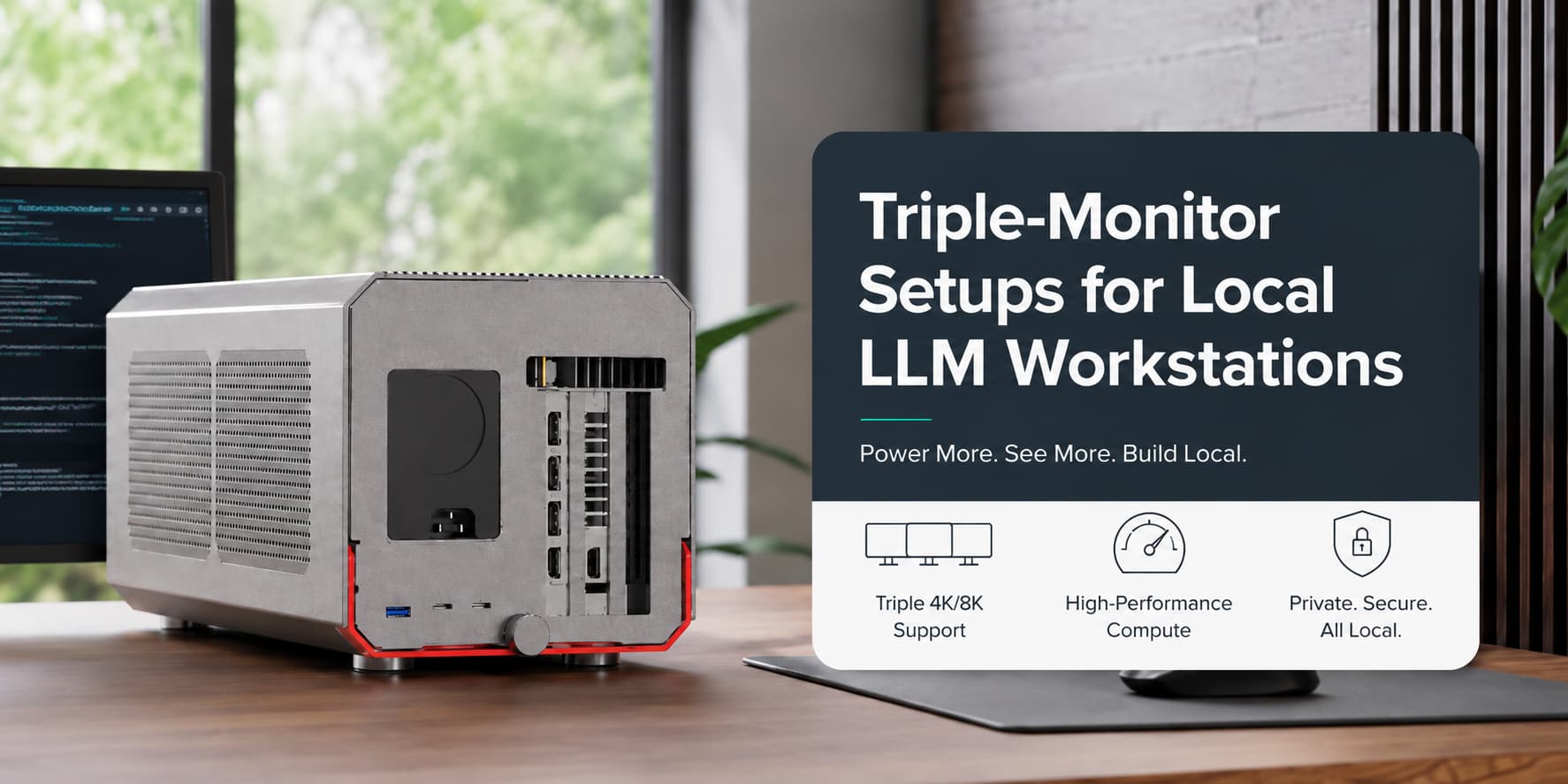
If the monitor is the face of your AI collaborator, the dock is where the muscle lives. The TD001 was built to host a full desktop graphics card and hand its power to any Thunderbolt 4 or USB4 laptop.
• Bring your own GPU—and your own VRAM. The TD001 takes a full-length discrete card up to 400mm, compatible with NVIDIA RTX 20/30/40/50 and AMD RX 7000/8000/9000 series. That means you size VRAM to the job: a mid-range card keeps 7B text models snappy, while a high-VRAM card gives you the headroom for larger models and parallel agents. The internal PCIe 3.0 x16 slot supports hot-swap, so changing cards doesn't mean tearing down the desk.
• Power scaled to the card. The enclosure accommodates standard 2U or SFX power supplies (up to 240 × 100 × 70 mm), so you can match the PSU to a power-hungry GPU instead of being capped by a fixed brick.
• One cable, charged laptop. A single Thunderbolt connection delivers up to 85W of host charging to keep the laptop topped up, plus up to 15W for peripherals. Dual Thunderbolt 3/4/USB4 ports (40Gbps) support blind-mate insertion and daisy-chaining—one acts as uplink to the host, the other as downstream—alongside a USB-A 3.2 Gen 2 (10Gbps) port.
• Built to last. A high-strength aluminum-alloy and ABS housing in Apple Gray, anodized, scratch-resistant, measuring 384 × 182.7 × 192.7 mm. In the box: the dock, a 0.5m Thunderbolt 4 cable, a power cord, and a screwdriver kit.
• Cross-platform. Windows 10/11 (64-bit) and macOS 12 and later, on systems that support eGPU functionality.
For anyone working with sensitive material, this local-first setup keeps documents and agent output on your own hardware—on your desk and inside your network—rather than on someone else's server.
The bottom line: give a screen to AI
We outgrew the two-monitor desk the moment compute stopped being a background task and became a collaborator. Local AI, run properly, is a continuous process—agents executing, documents being queried, models being monitored—not a search box you open when a question arrives. If all of that is happening in the background where you can't see it, it isn't really helping you.
Give it a screen, and give your laptop the GPU to back it up. A Thunderbolt 4 eGPU dock provides the compute; the dedicated monitor provides the presence.
PURPLELEC is a Shenzhen-based manufacturer specializing in USB-C accessories, including eGPU docks, docking stations, hubs, hard drive enclosures, and capture cards, with full OEM/ODM customization available. 










